Yards
Yards are where you can track where carriers or customers drop trailers or shipments. You can also use them to monitor whether specific yard locations are full or empty. If your organization has multiple yards, you can add and manage them easily in DataDocks. Here’s how:

Creating a New Yard
To start adding yard locations, click the New Yard button.
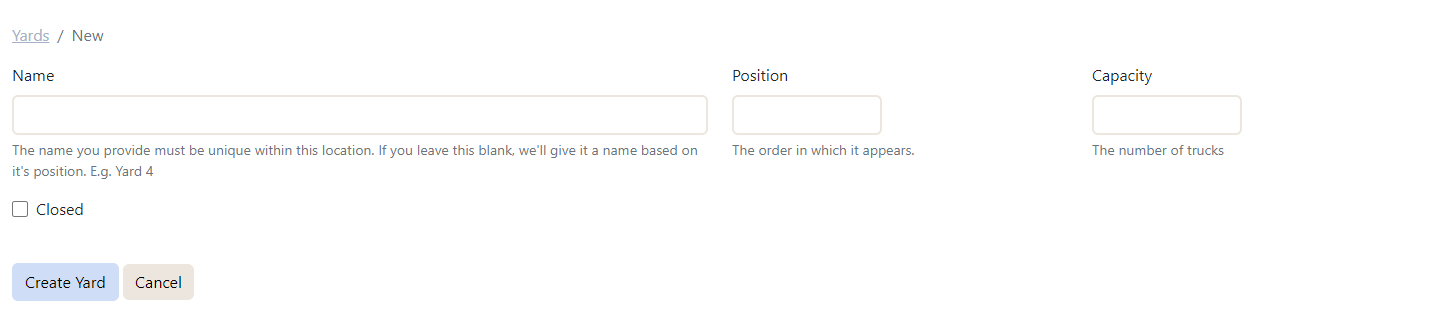
What to Fill In
| Field | What It Does |
|---|---|
| Name | This is the name of the yard location. |
| Position | Sets the yard’s order in DataDocks, matching the physical arrangement of your yards. If left blank, DataDocks will add the yard to the end of the list. |
| Capacity | Define how many holding locations the yard has. This is important for tracking availability. |
| Closed | Mark the yard as closed. You can reopen it later if needed. |
Once your yards are created, you will be able to allocate drop trailers, create visibility within yard checks and track any issues that might arise on your property.